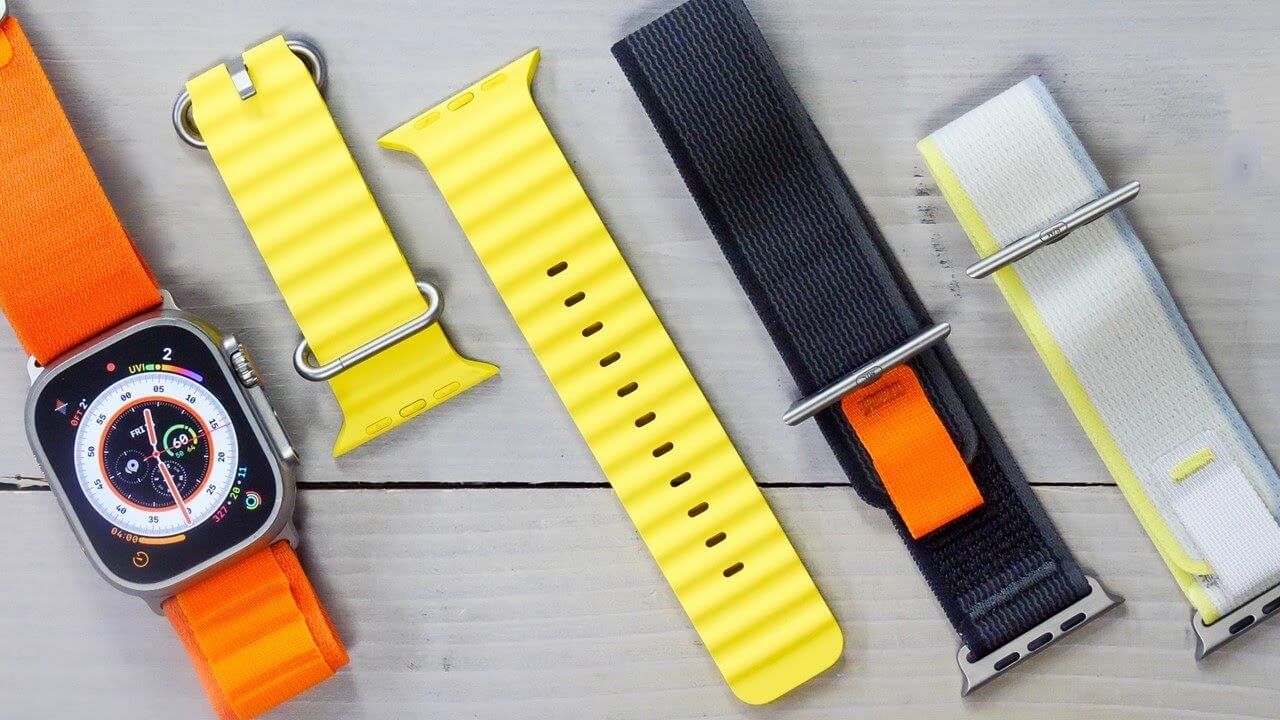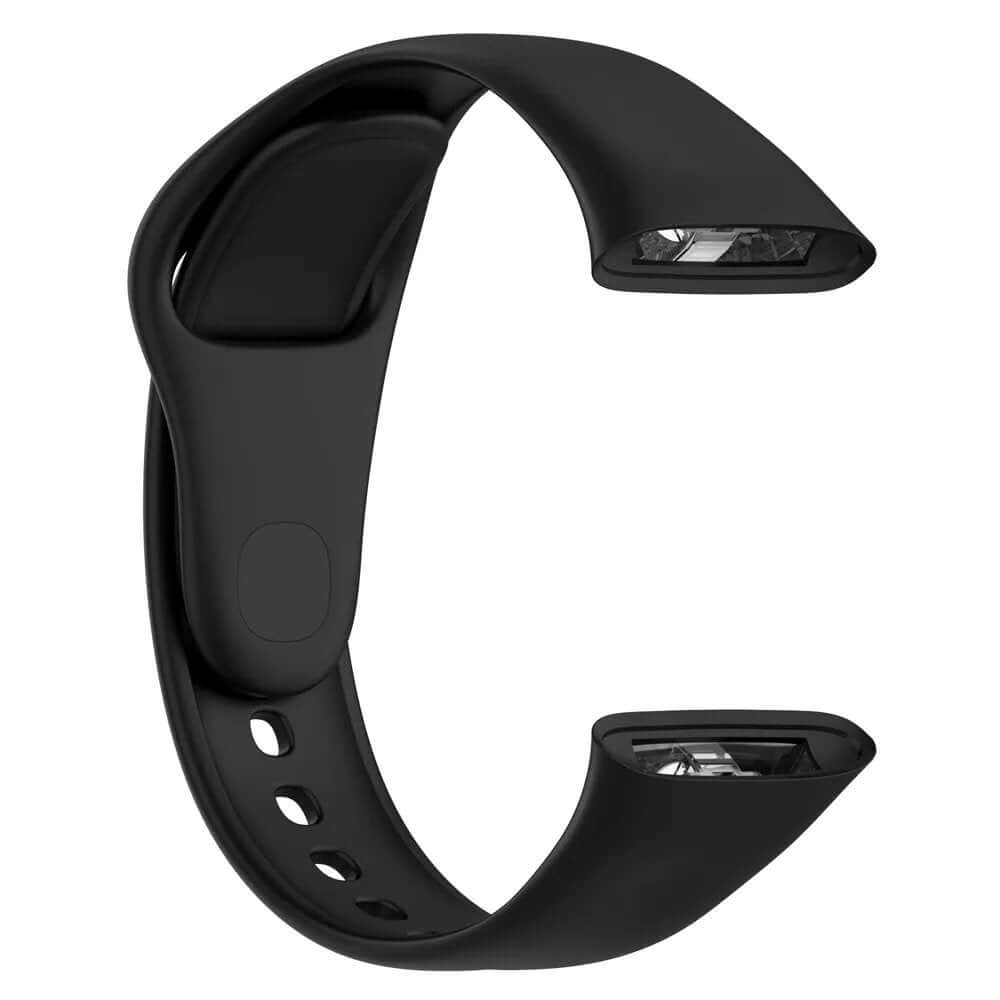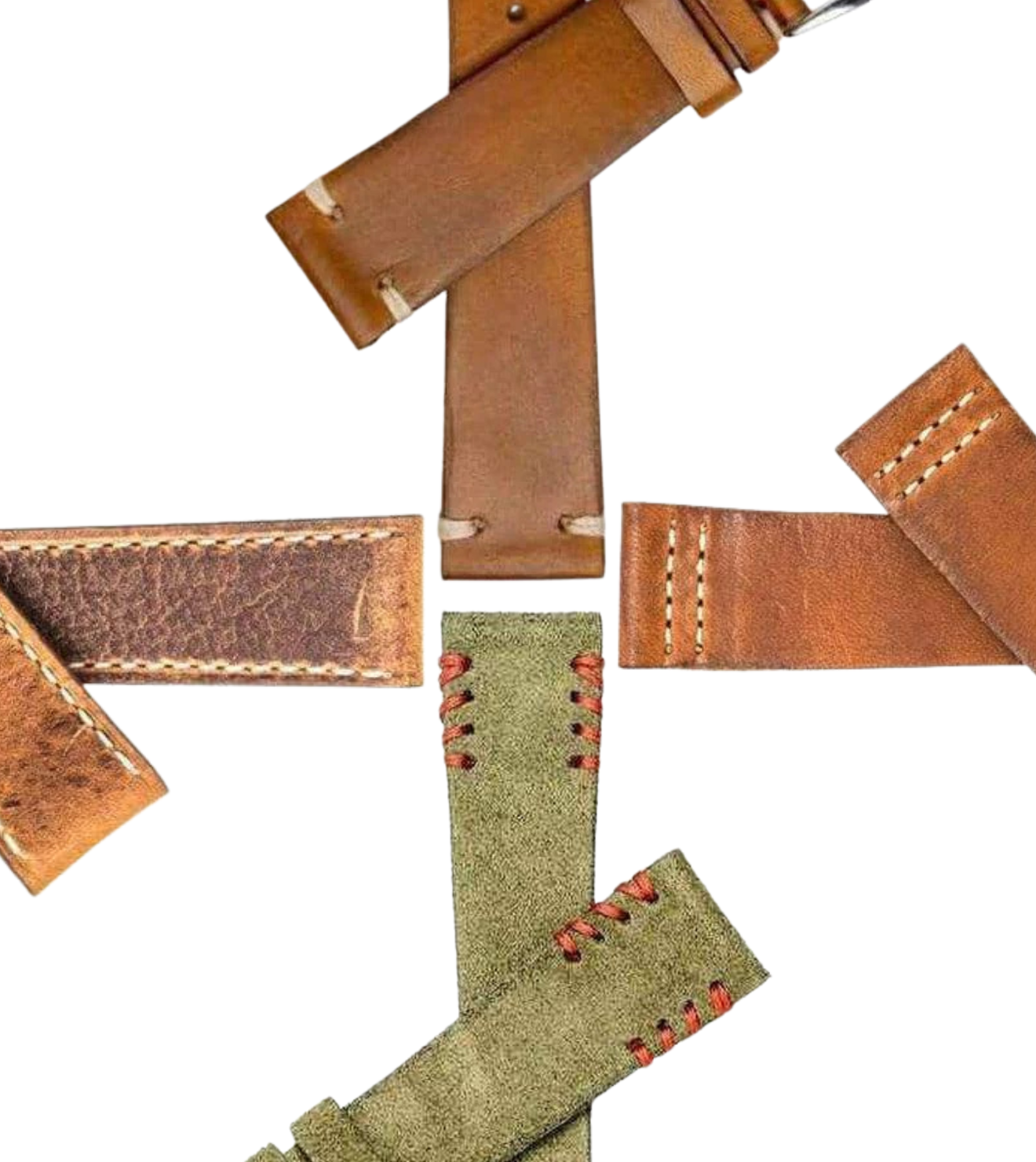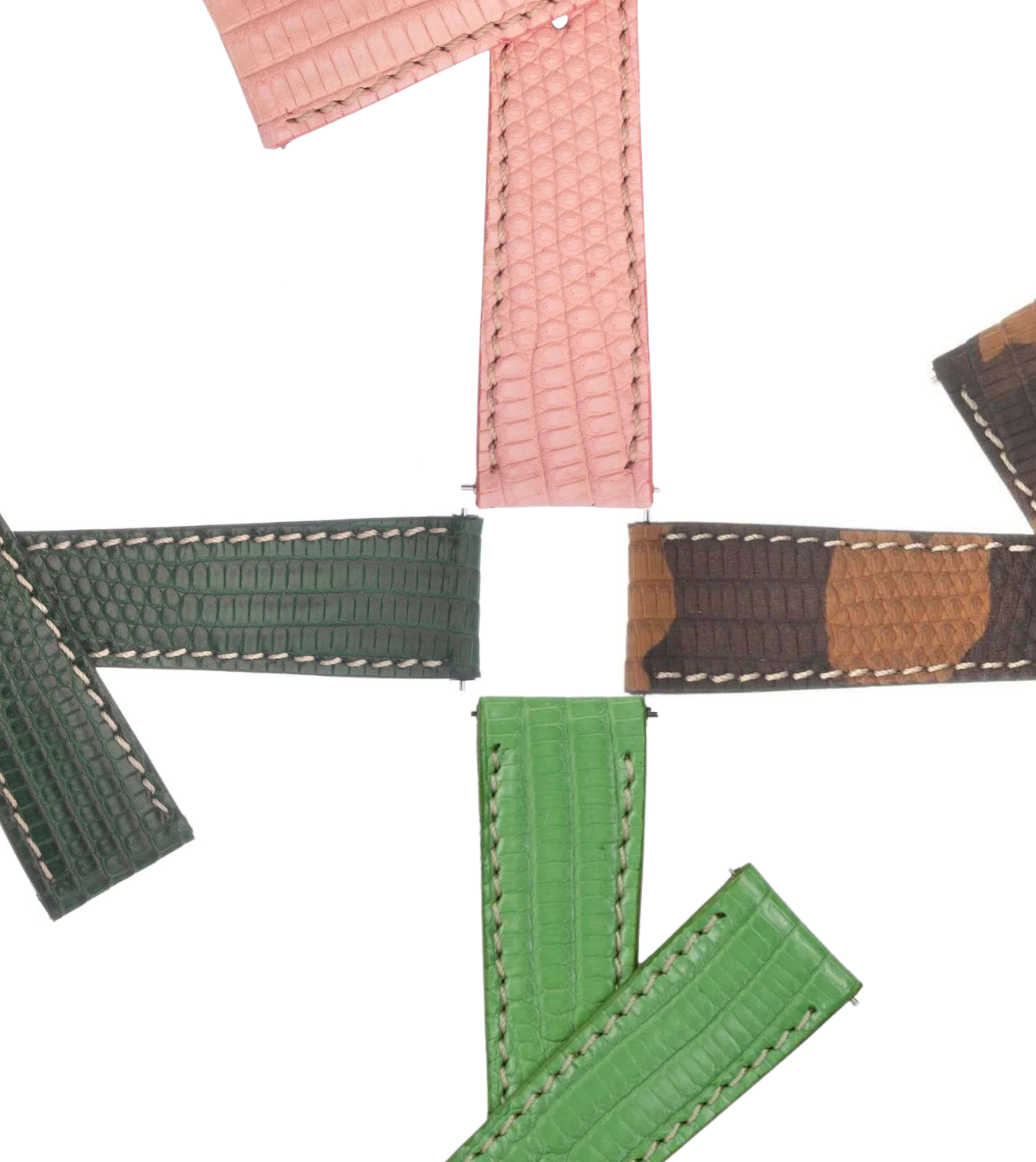


How to Add a Leather Strap to Your Apple Watch
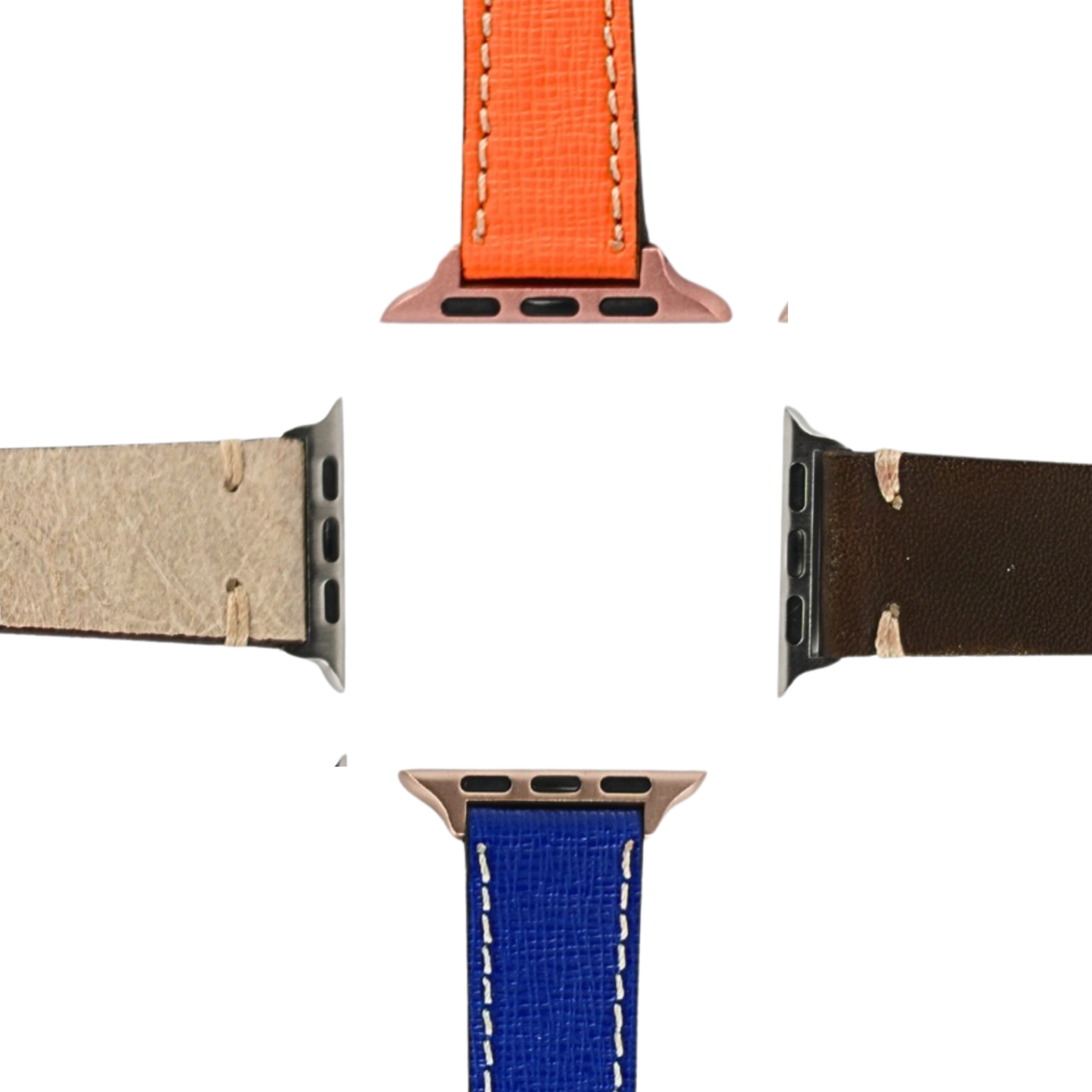
Give your Apple Watch a new look with a premium leather strap from Milano Straps. To get started, you’ll need a compatible Apple Watch adapter that connects your strap to your watch.

Step 1: Choose the Right Adapter
First, make sure the adapter is compatible with your Apple Watch model and case size. Depending on your style preference, you can choose between two options:
-
Classic Adapter: A classic design with standard-style connecting legs.
-
Swiss-Style Adapter: Features thicker connecting legs for a more substantial look.


Step 2: Choose the Correct Sizes
Each adapter has two important measurements to consider:
-
Apple Watch Connection Size: Must match your Apple Watch model and case size.
-
Strap Width: Must match the width of the leather strap you want to use.

The most popular strap widths are 22 mm and 24 mm. For the larger Apple Watch Ultra models, we generally recommend a 24 mm strap for a balanced look. For smaller wrists or a more delicate appearance, 20 mm or 22 mm straps are excellent choices.
Important: Always confirm compatibility with your specific Apple Watch generation and case size before ordering.

Step 3: Attach the Adapter to Your Strap
Slide the adapter onto the end of your leather strap, making sure it fits securely and matches the strap width. Follow the adapter's installation instructions to ensure a proper fit.
Step 4: Attach the Strap to Your Apple Watch
Slide the adapter into the corresponding slot on your Apple Watch until it locks securely into place. Gently check that the adapter is properly seated before wearing your watch.
Find Your Perfect Apple Watch Strap
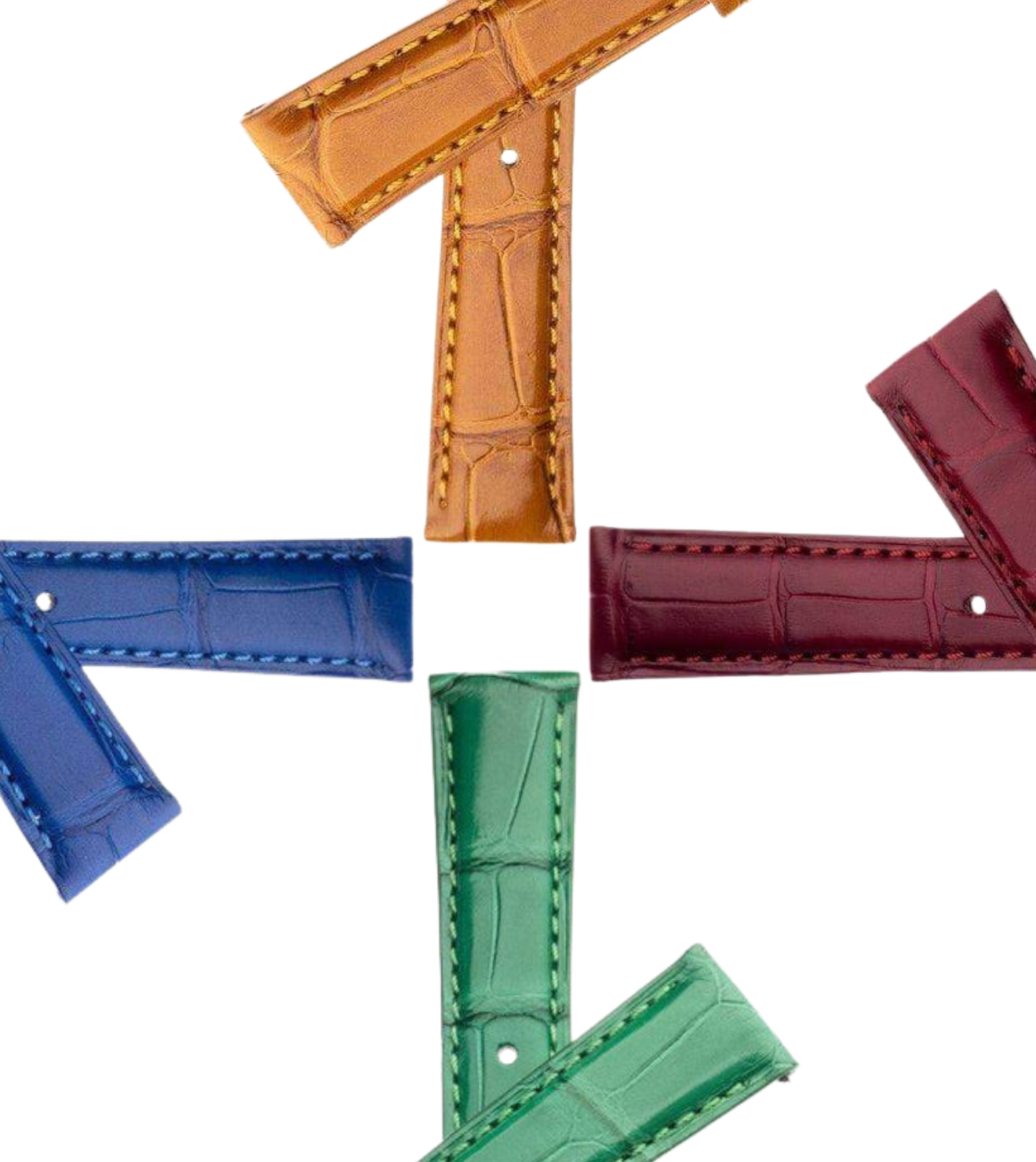
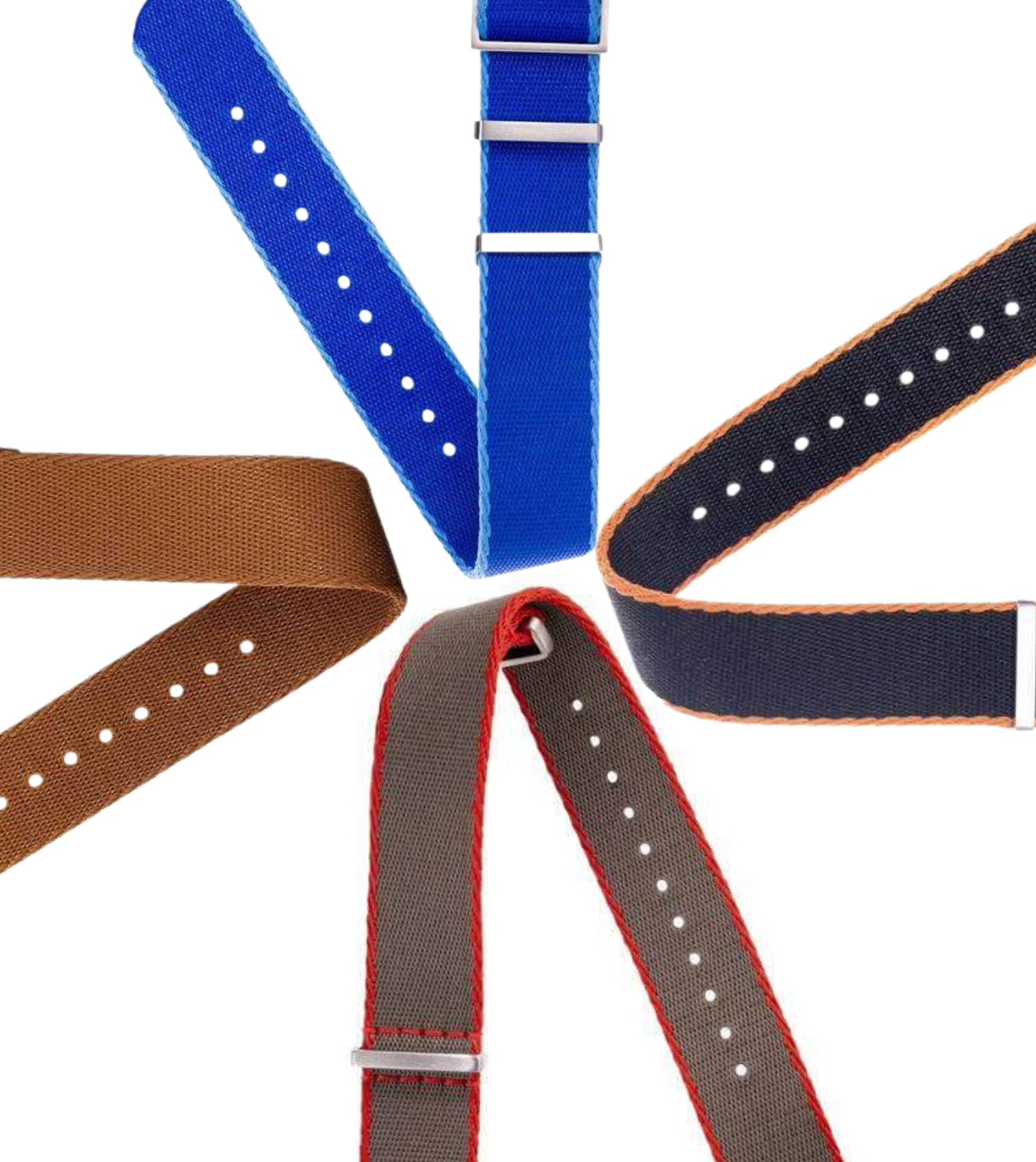
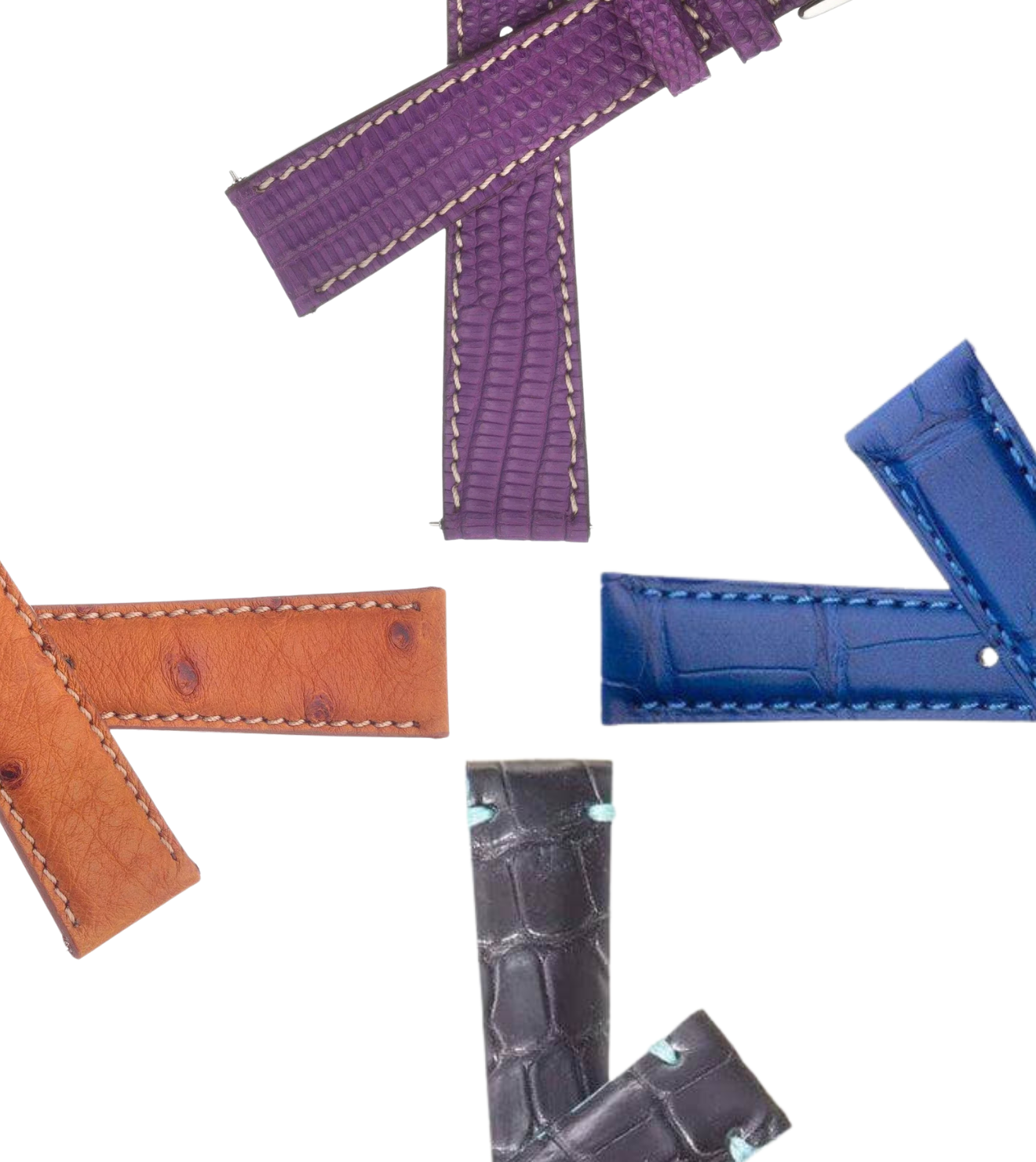
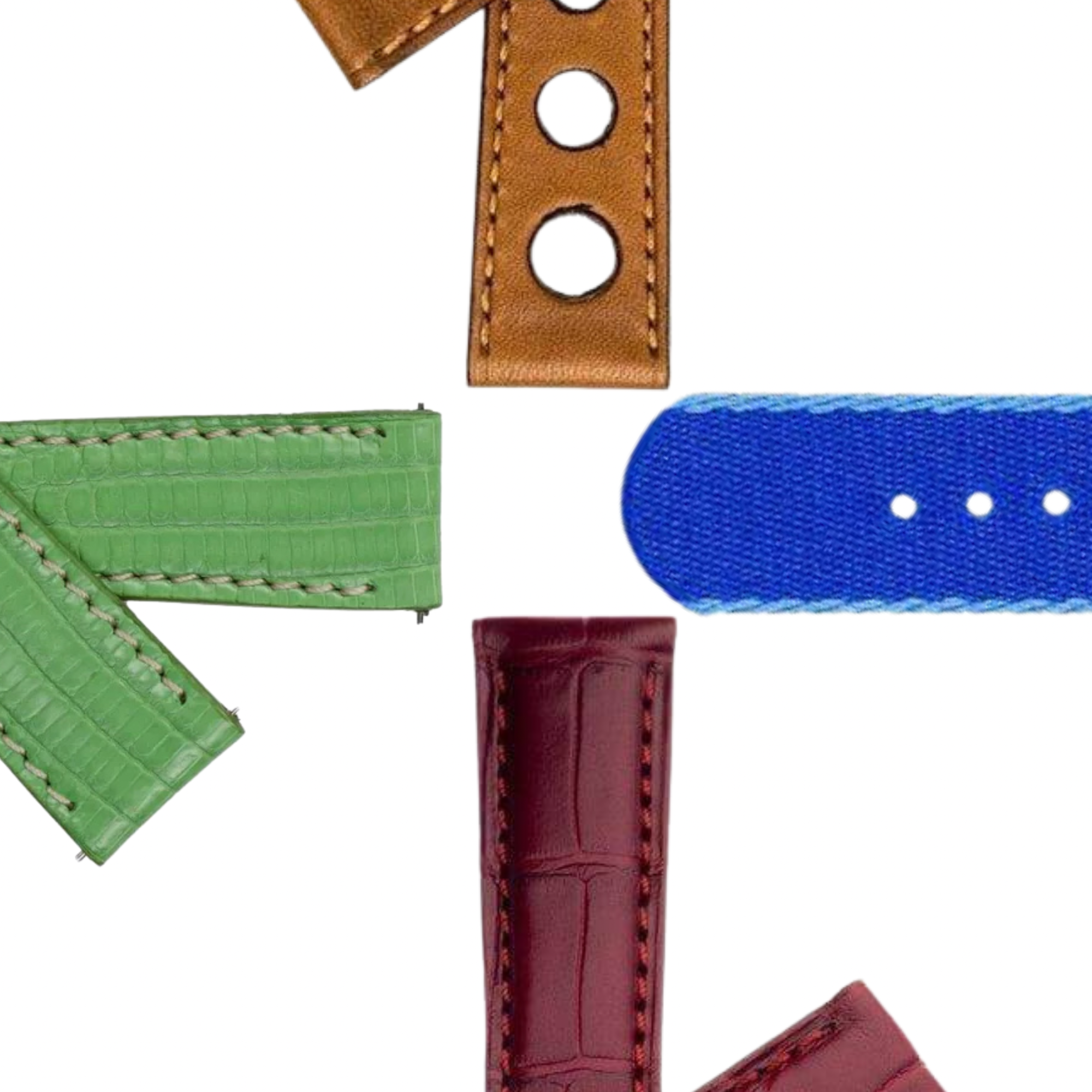
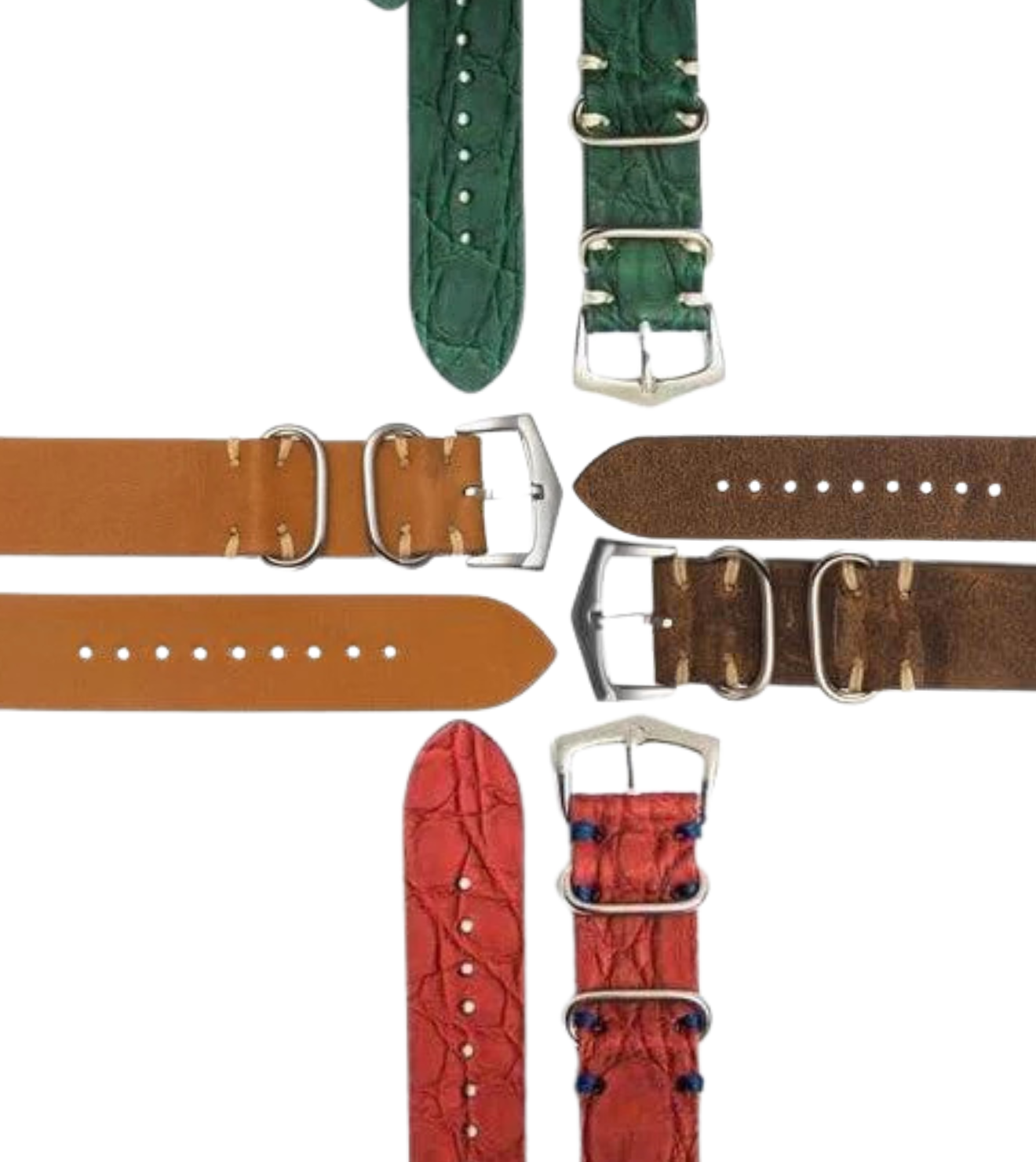
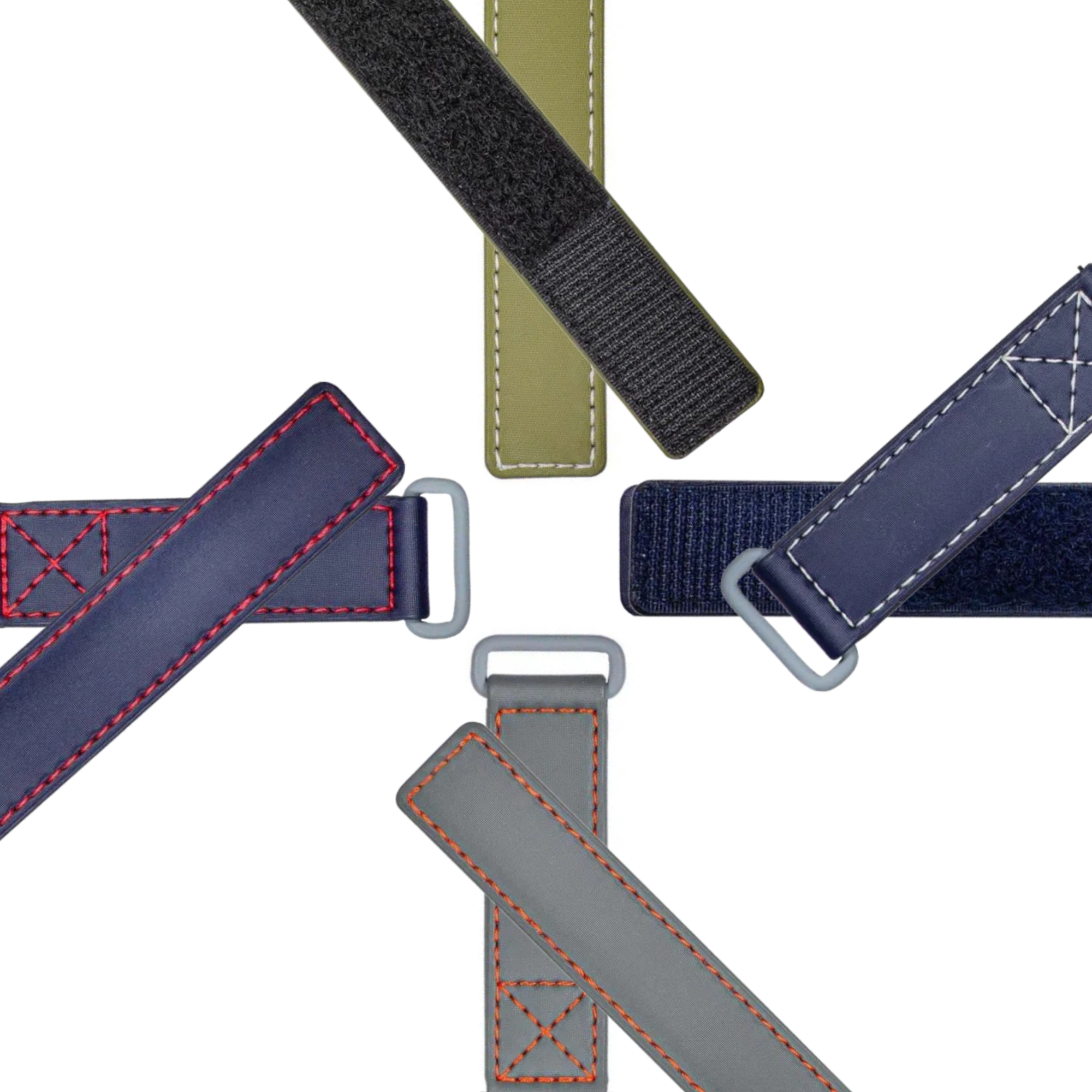
Explore our collection of premium leather watch straps and adapters to customize your Apple Watch with a timeless, classic look.
At Milano Straps, we make it easy to personalize your Apple Watch with quality materials and classic designs.